2025
Spatial Display
Spatial Display in VR (Unity + Shader)
I’d like to compare three different UI background effects for different use cases. Each one supports a specific interaction scenario. Where relevant, I’ll explain how each design choice impacts clarity, visual balance, and the user’s ability to stay focused.
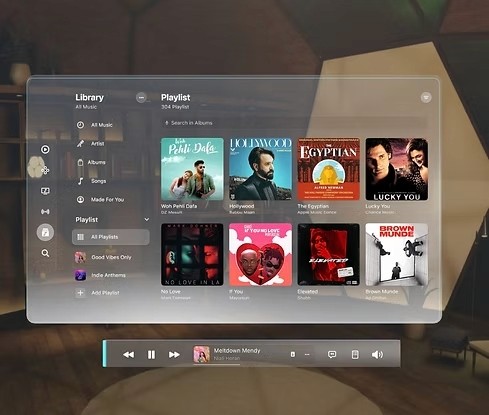
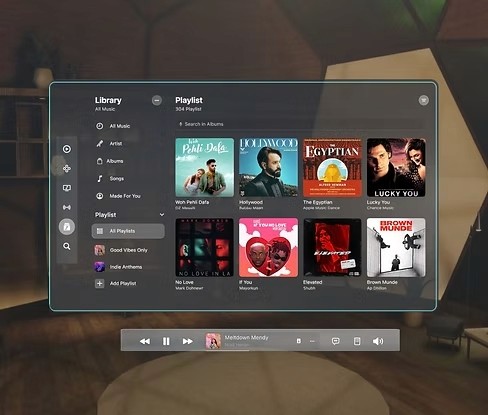
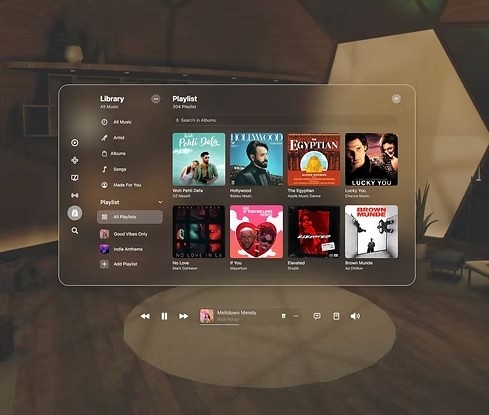
Spatial UI with Different Material Background
While I was making an AR shopping experience, I was trying different materials on the background to test the readability and visual effect.
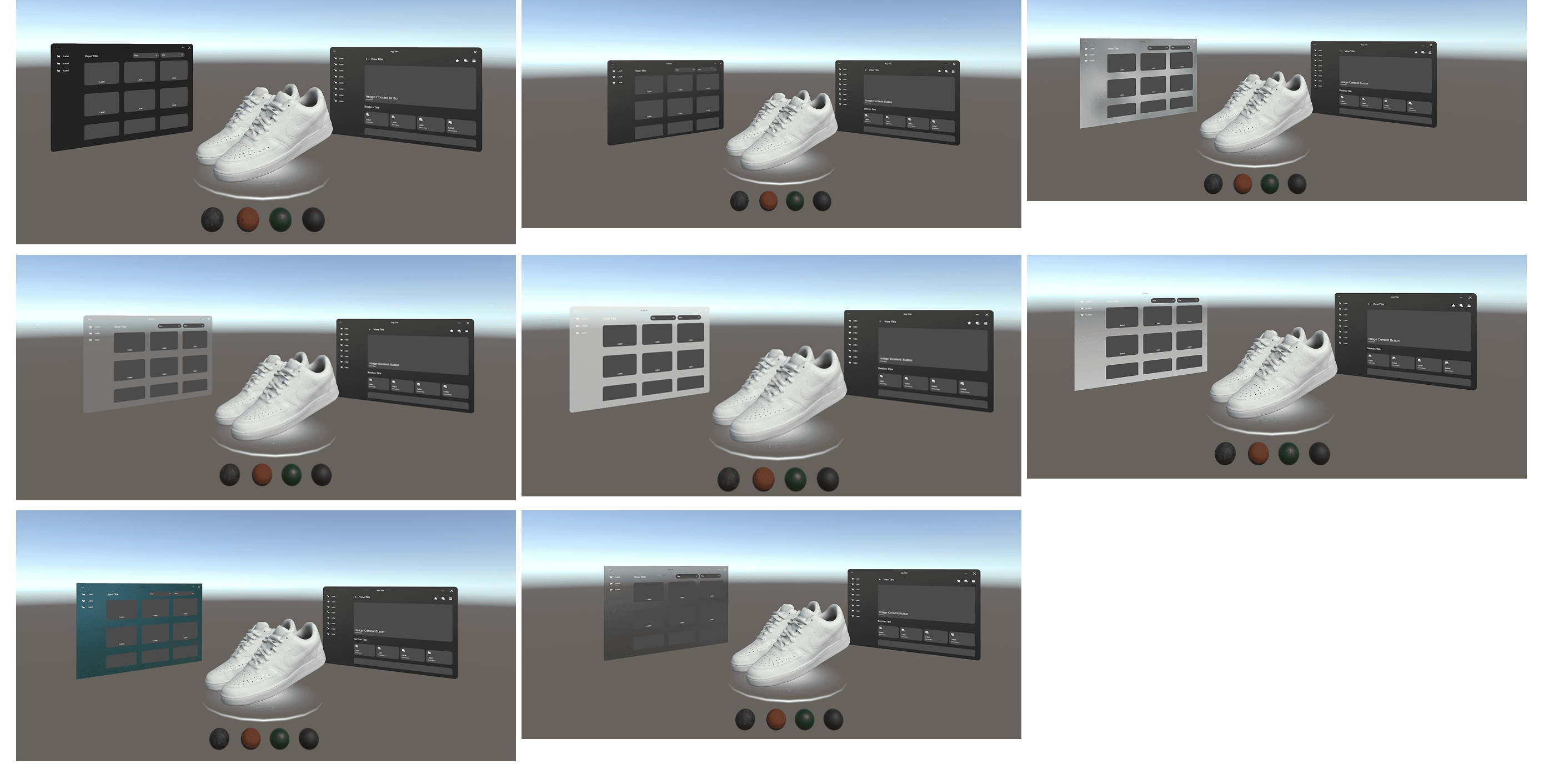
Spatial Display in VR (Unity + Shader)
In past projects, I’ve developed different display textures and methods to improve visibility and readability. The example above is a glass-style display built in Unity using a 3D mesh (glass shape) with UV mapping to create an outlined look, enhanced with emissive shader highlights. I also added a frosted glass layer to reduce background distraction—especially under bright or complex lighting conditions.
Spatial Display in AR (Unity)
For AR displays, I add textures directly onto images or apply them to 3D shapes to create more depth and surface detail. I implemented these changes in Unity, and this is the test build running on the iPad. It adds dimension and creates a cool visual effect in the scene.
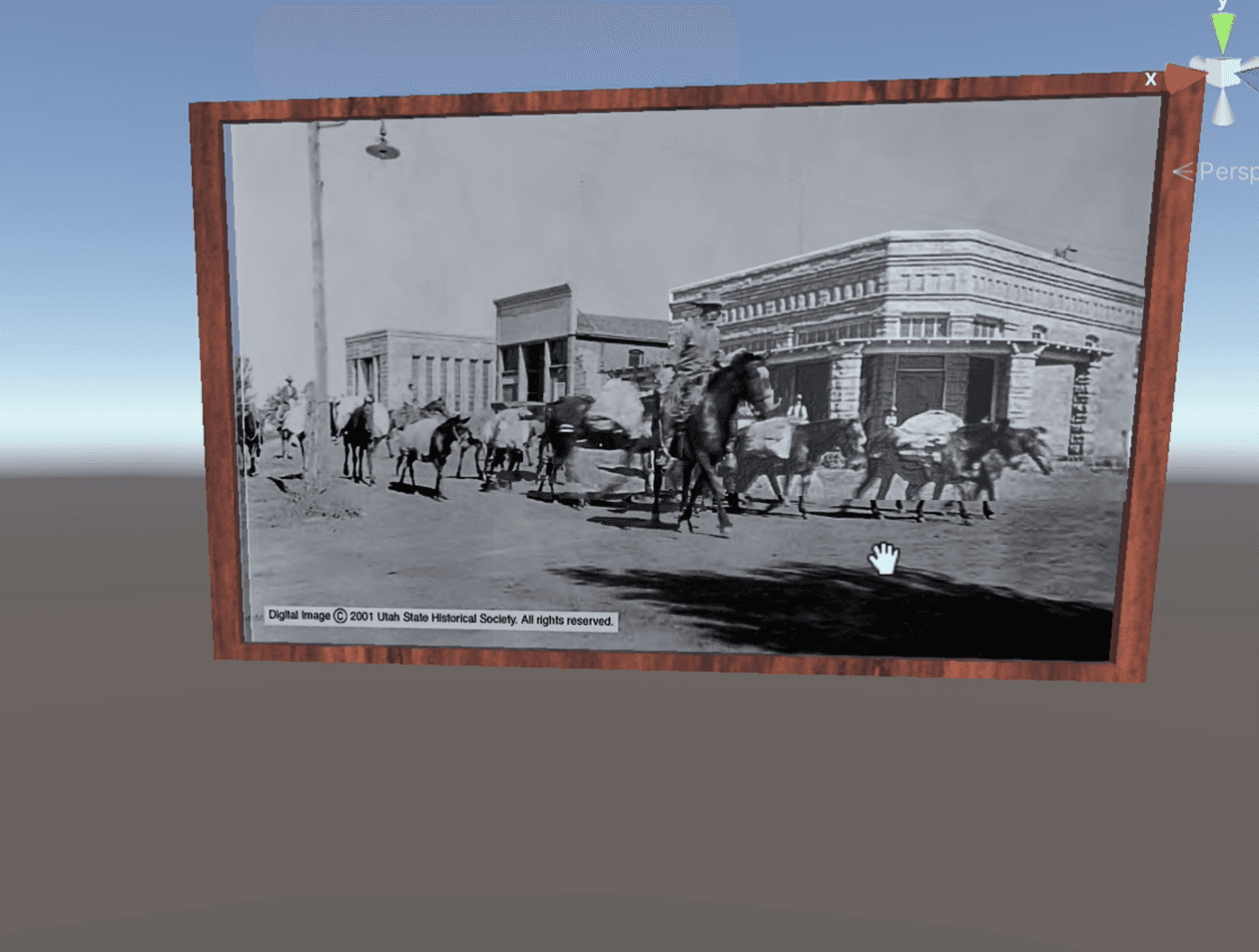
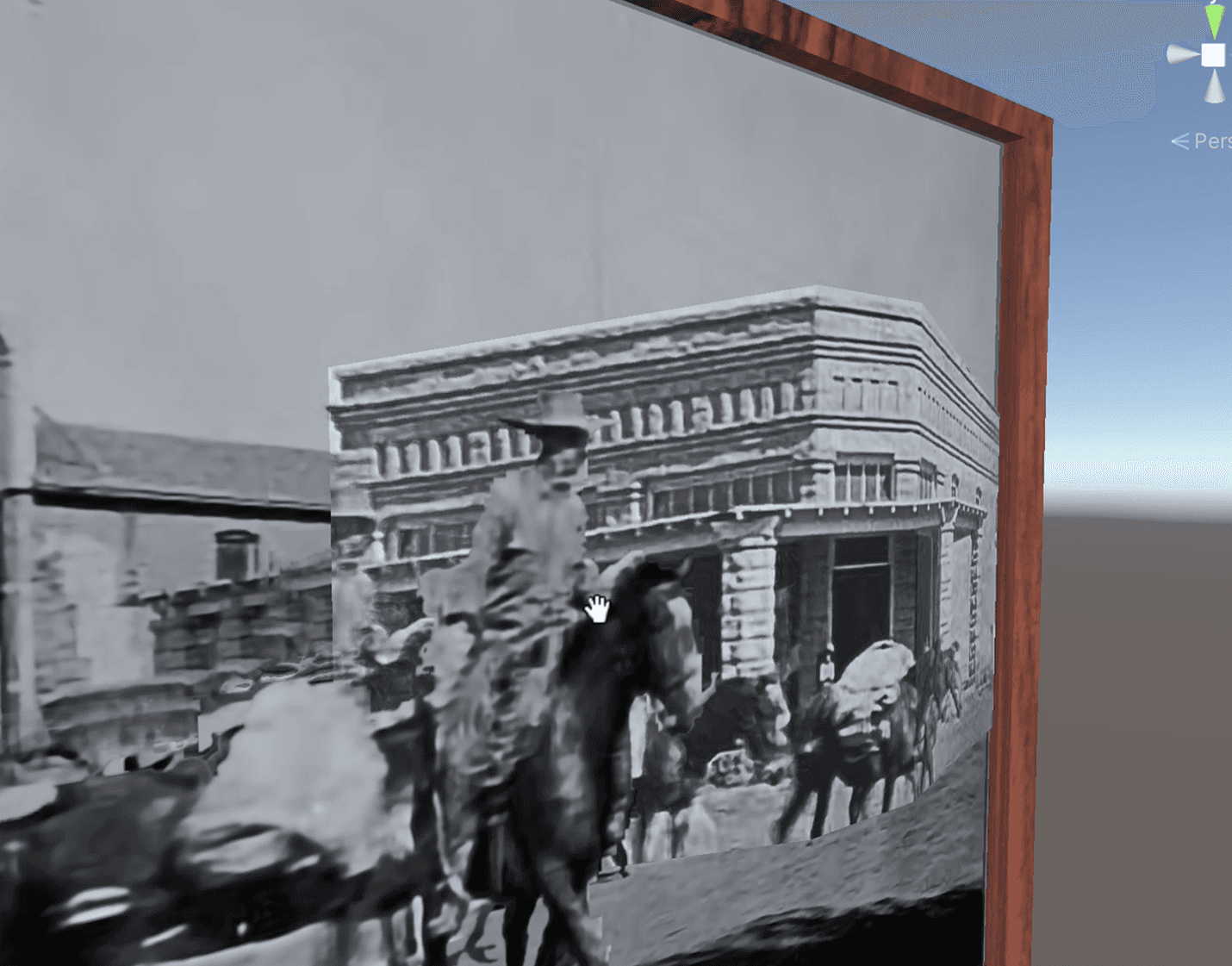
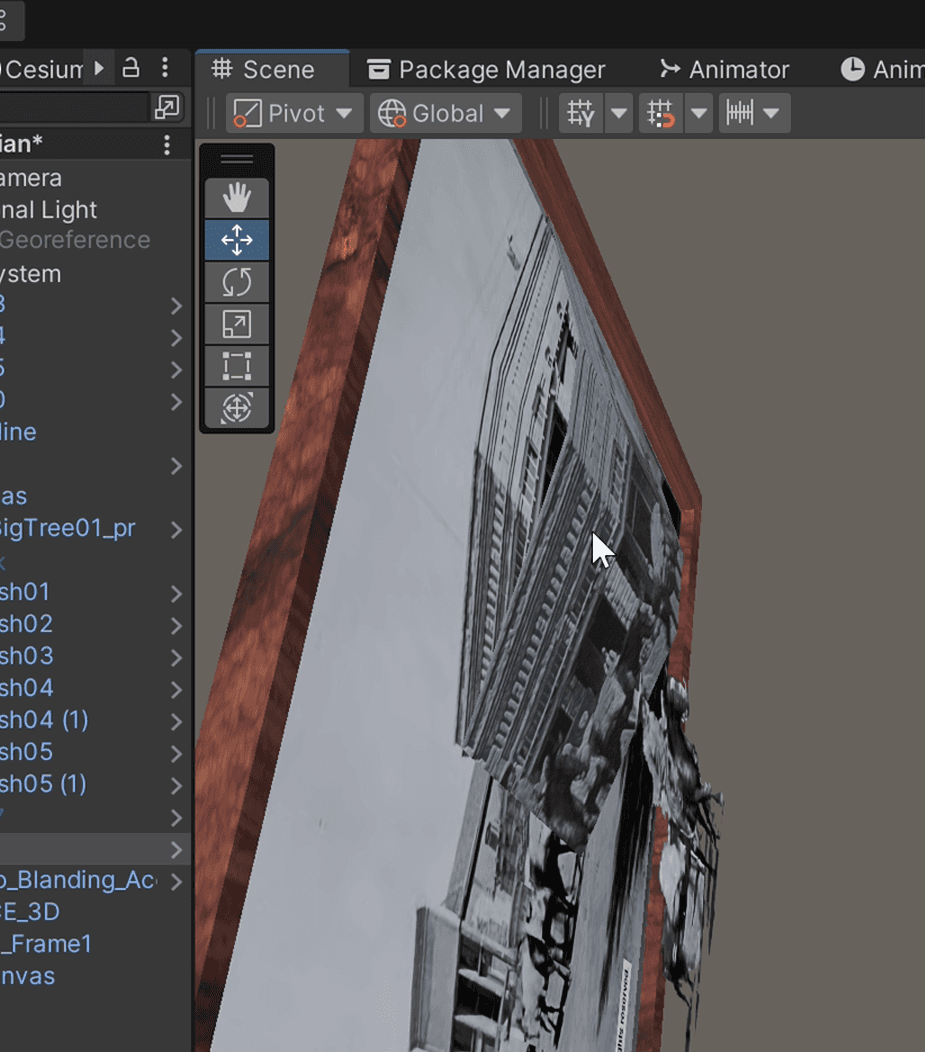
iPad testing onsite:
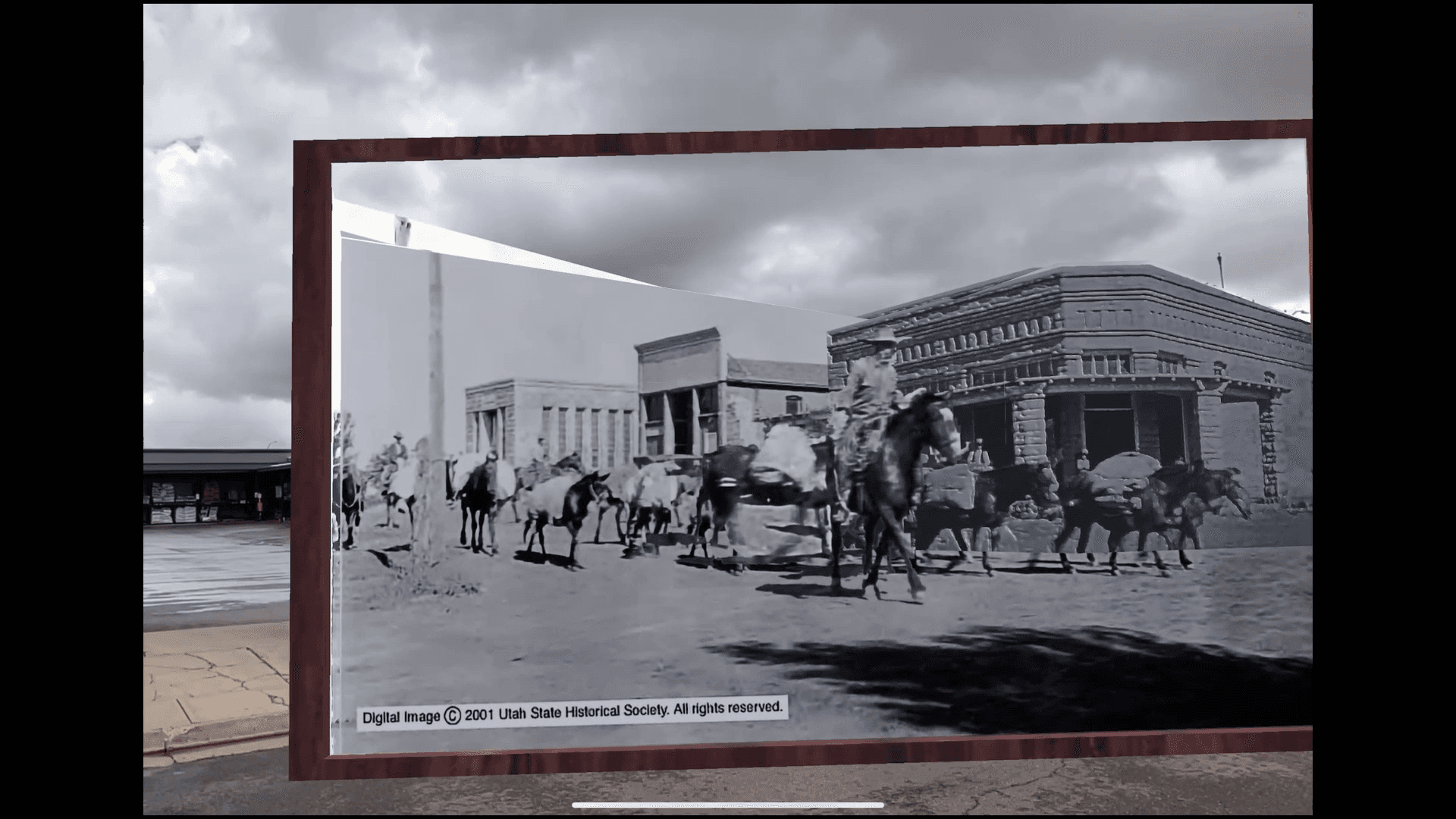
Spatial Display with Interactions
I have created those 2 boxes in AR to test the visibility and the interactiveness - the opacity sometimes is helpful, sometimes is confusing in the environment.